Changelog
New updates and improvements to Ordinal
Webhooks Support
Ordinal is the most open, composable social media platform you can use. We launched the REST API and MCP server so AI tools and scripts can manage your workspace programmatically. We added CSV exports so you can pull analytics into any tool you want. Now we're adding webhooks so Ordinal can push data to you in real time.
What you can build
Webhooks open up workflows that were previously manual - with webhooks you can now do things like:
→ Pipe post performance data into your internal analytics warehouse the moment content goes live
→ Auto-create Linear tickets based on changes in a post's status
→ Sync approval workflows with your company's existing compliance tooling
→ Trigger onboarding sequences in your own systems when new teammates accept invites
→ Feed campaign activity into custom executive dashboards
Reliable by default
Every delivery is tracked with success or failed status so you always know what landed. Add custom headers for authentication or routing. Each event type has a strongly typed payload, so your integrations can parse responses confidently.
Webhooks are fully managed through the API with create, read, update, and delete operations. Check out the webhook docs to get started, or reach out at support@tryordinal.com.
Version History
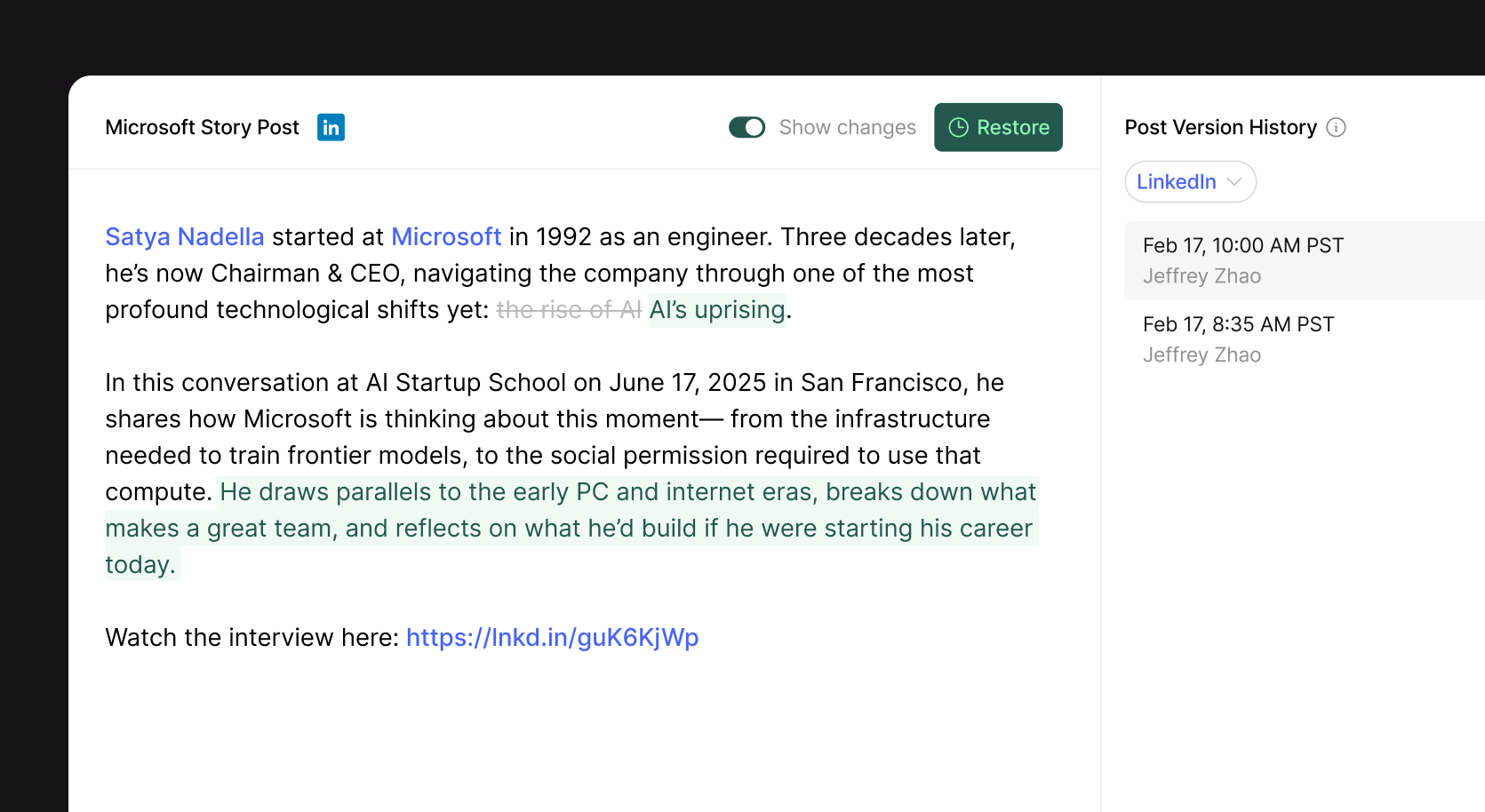
You can now view and restore previous versions of your post copy. Open any post and click the history icon in the header to browse every saved version, see who made changes and when, and preview exactly what the post looked like at that point.
Toggle "Show changes" to see a word-level diff highlighting what was added or removed between versions. Found a version you want to go back to? Hit Restore to replace the current copy instantly.
Version history is tracked independently for each channel on a post, so you can review changes for each channel separately.
Introducing the Ordinal API and MCP
Starting today, everything you do in Ordinal is programmable. We're launching a REST API and an MCP server that lets AI tools interact directly with your workspace.
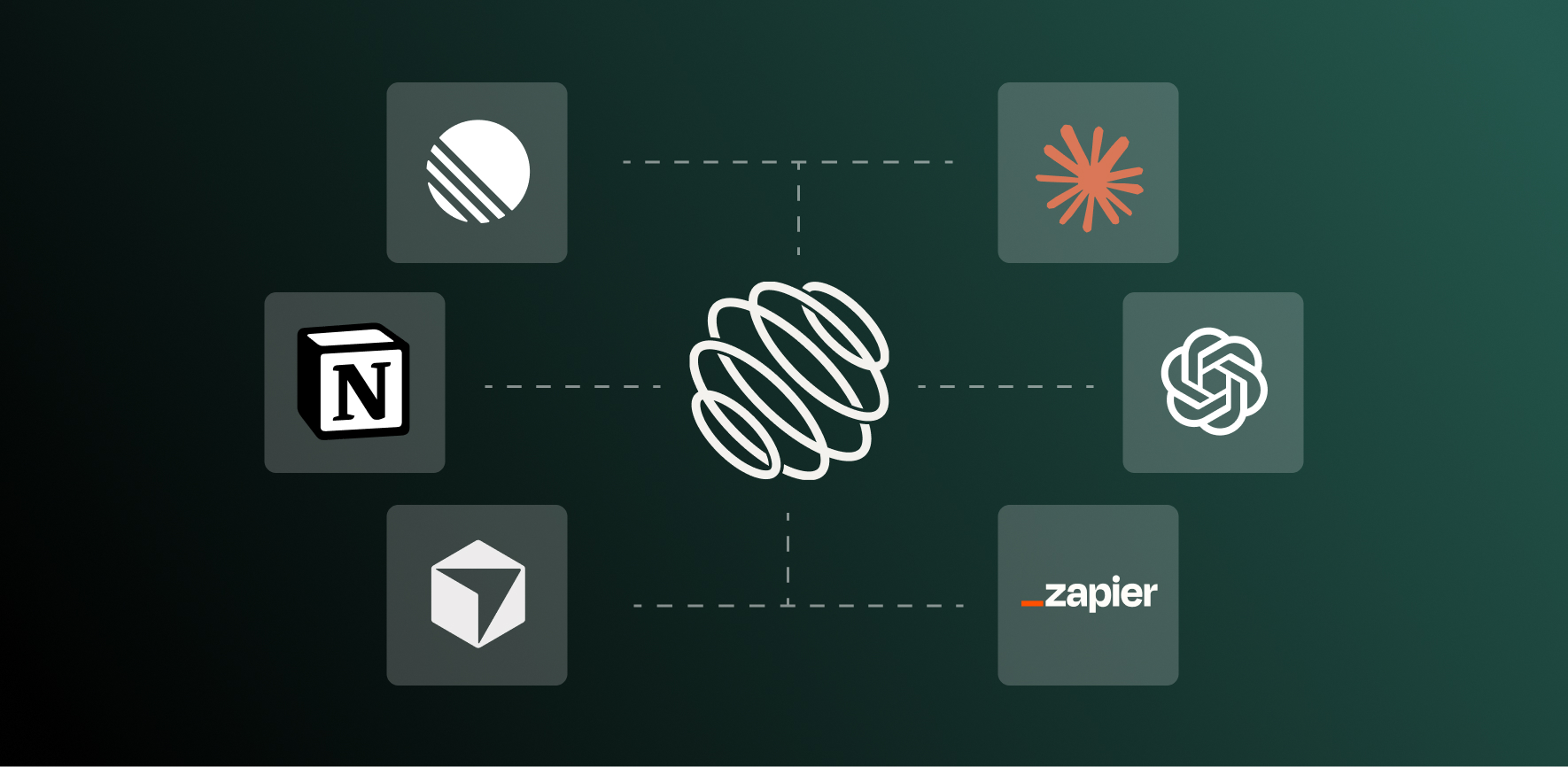
API: Programmatic access to Ordinal
The Ordinal API gives you programmatic access to your entire workspace:
- Posts - Create, update, schedule, and manage posts
- Analytics - Pull follower growth and post performance data
- Auto-engagements - Configure likes, comments, and reposts that fire when a post goes live
- Approvals - Create approval requests, manage subscribers, organize content with labels
- Team management - Invite users, manage profiles, control workspace settings
MCP: your AI tools can now manage your social
MCP (Model Context Protocol) is a standard that lets AI tools connect to external data sources. Think of it as a bridge between your AI assistant and the apps you use every day.
We built an MCP server so tools like Claude, ChatGPT, Cursor, VS Code, Gemini, and Codex can talk directly to Ordinal.
That means you can be working in your editor or chatting with Claude and say:
- "What posts do I have scheduled this week?"
- "Create a LinkedIn post from this doc and schedule it for Monday at 9am"
- "Show me my top performing posts from January"
No switching tabs, no copy-pasting, no breaking your flow.
Where this gets interesting
Content pipelines. Feed a brief into Claude, have it draft a post, schedule it through Ordinal, and set up auto-engagements. All without touching the UI.
Custom reporting. Pull analytics from the API into your own dashboards. Pipe them into Notion, Google Sheets, or your CRM.
Internal tools. Build a Slack bot that creates draft posts from a channel message. Or a script that auto-schedules your team's content for the week.
We've been using the MCP server internally with Claude Code to manage our own social. The feedback loop between "think of something to post" and "it's scheduled" is now shorter than ever.
Getting started
For existing users interested in getting setup, check out the below links:
MCP setup takes about a minute for most tools.
If you have a use case in mind that's currently not supported, reach out to us at support@tryordinal.com.
Daily X Analytics Refresh
X analytics now refresh automatically every day.
Previously, X post stats would only update when manually triggered. Now your X analytics stay current without any action required on your end. This is now available for all workspaces and plans with an X account connected.
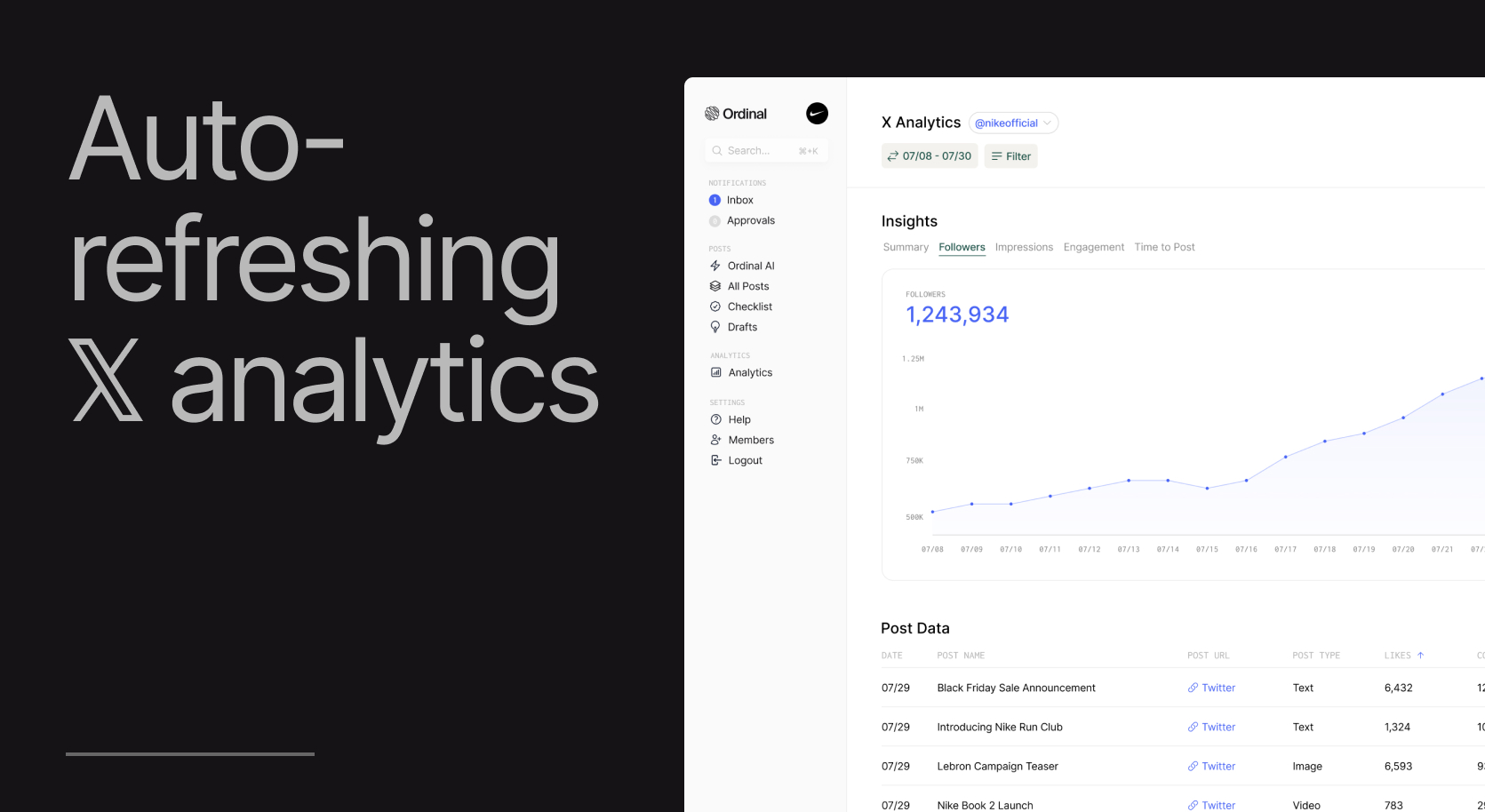
On-Demand Refresh for Analytics
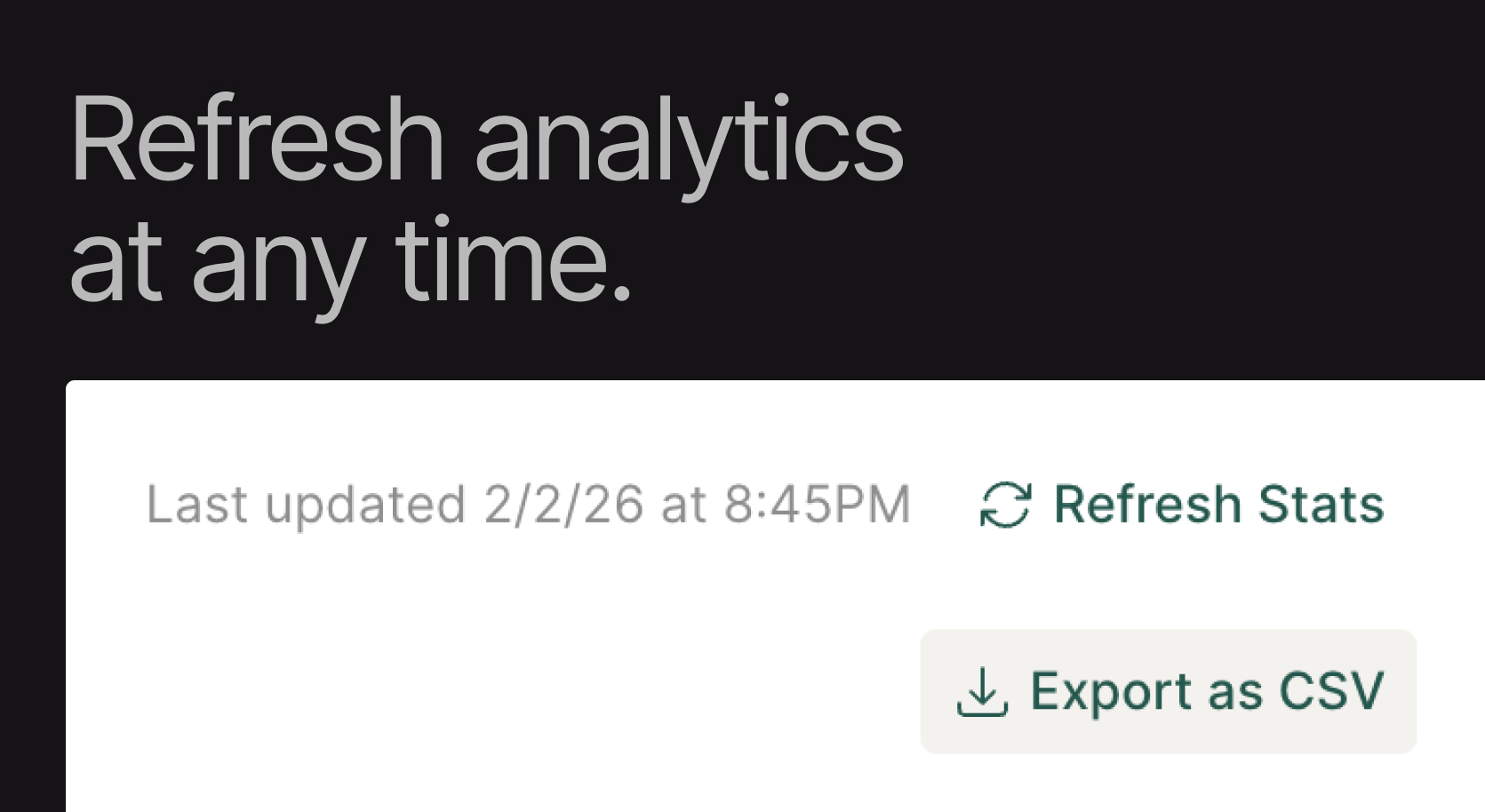
You can now manually refresh analytics whenever you need the latest data. Click "Refresh Stats" in the top-right corner of any analytics page to pull in fresh numbers.
Available for X, LinkedIn, Instagram, and Facebook.
Each page now shows a "Last updated" timestamp so you know exactly how recent your data is.
Useful for tracking posts gaining traction, pulling fresh numbers before a client call, or verifying engagement right after a campaign goes live.
Earned Media Value
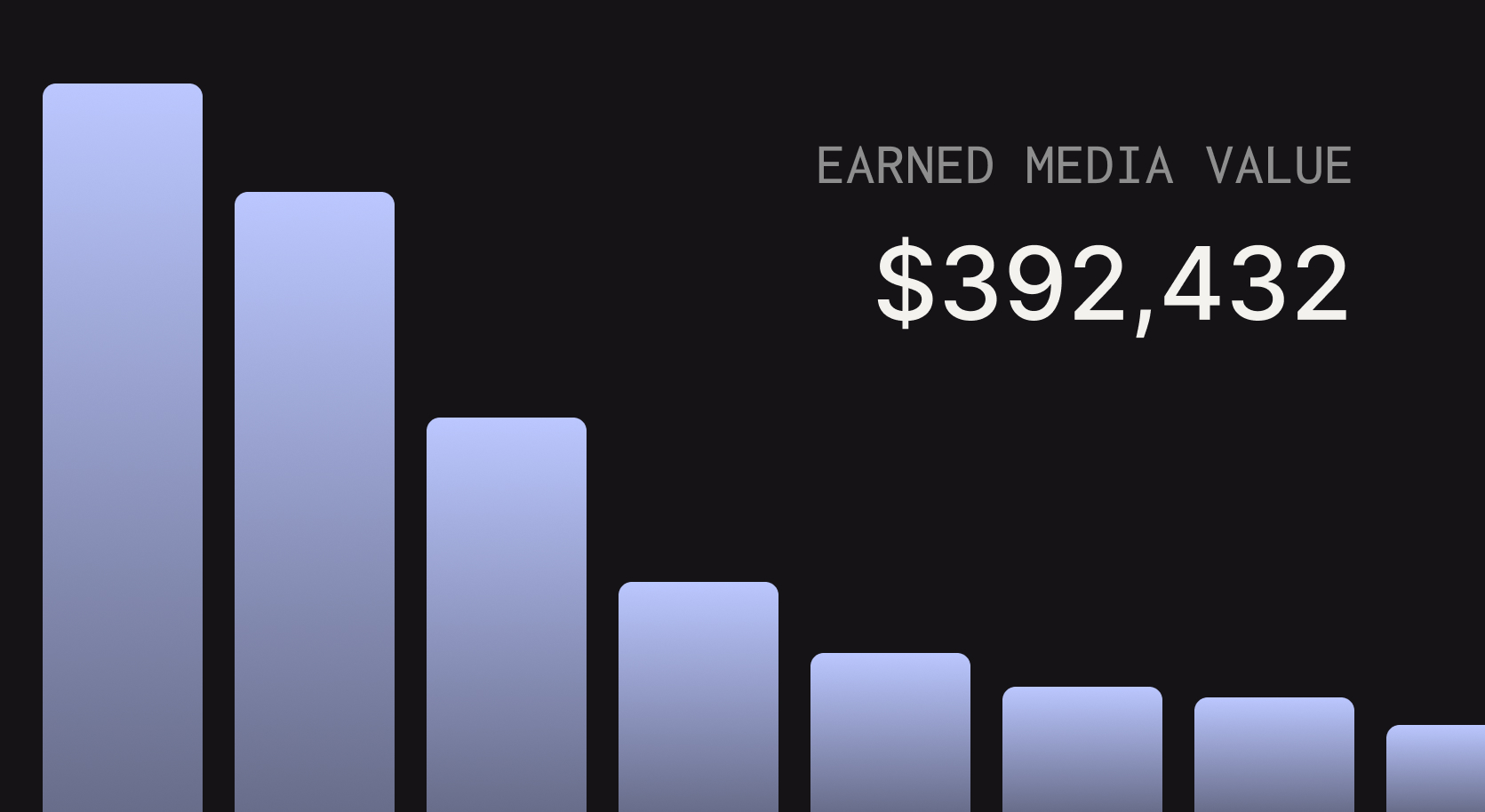
We just launched Earned Media value as a metric for all channels.
Earned Media Value helps you understand the monetary value of your organic social reach. EMV calculates what you would have paid in advertising to achieve the same number of impressions. Each channel allows you to set a custom CPM to help make your calculations more accurate.
Read more on our docs here.
Custom Shortlink URL (via Dub)
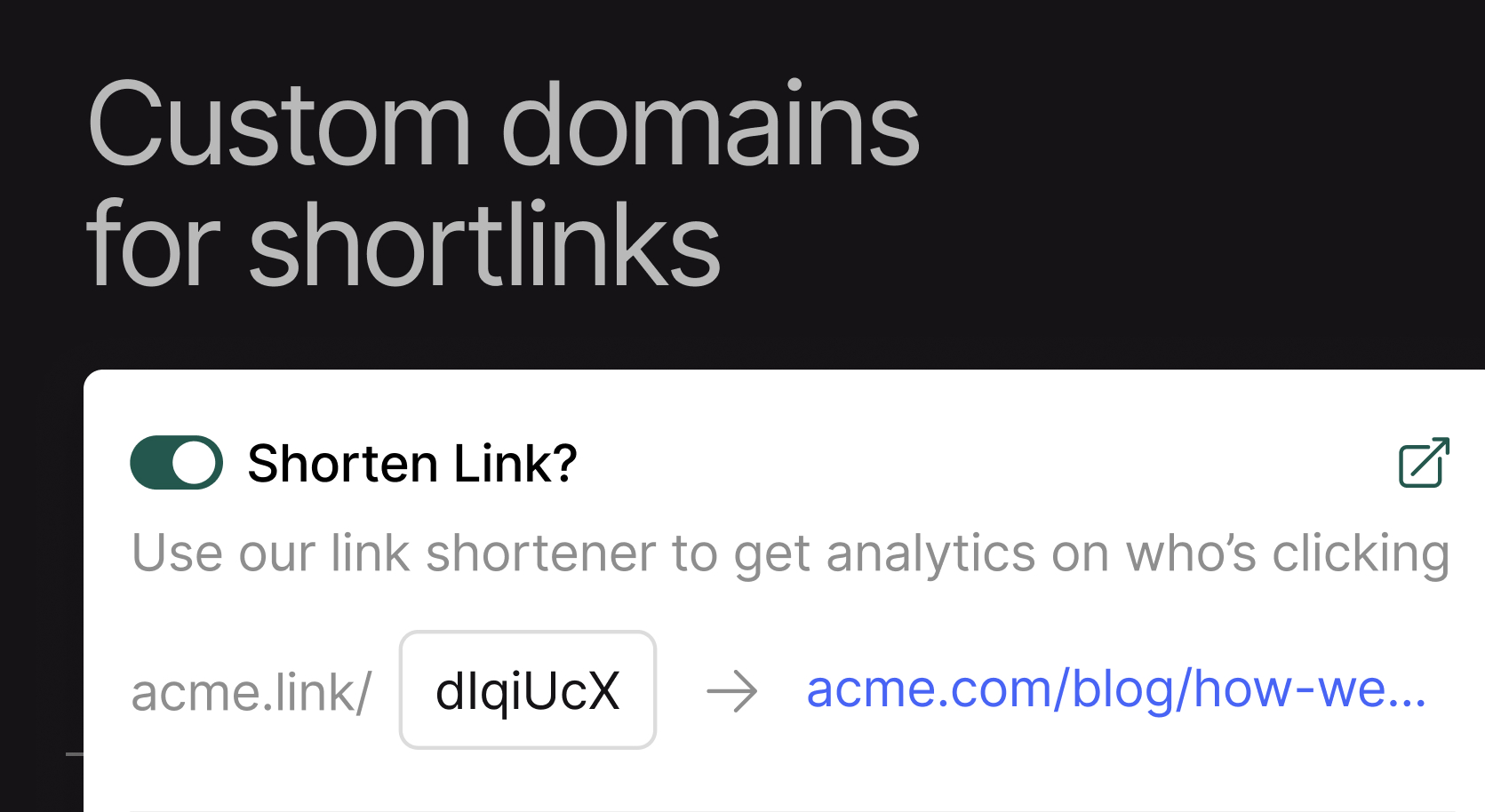
You can now connect your Dub account to use a custom short domain for your links. When you use this feature, analytics for your shortlinks will be available both in your Dub account and synced directly into Ordinal. This is especially helpful for maintaining brand consistency on socials while still benefitting from the more detailed analytics and tracking that shortlinks provide.
Read more about the new Dub integration in our docs here.
Ordinal API
We're excited to announce the launch of the Ordinal API, giving you programmatic access to interact with Ordinal. You can now use the API to:
- Create / update / schedule posts in Ordinal
- Export analytics automatically
- Integrate Ordinal with other 3rd party tools / APIs
For more information, send us a message at support@tryordinal.com to access the API.
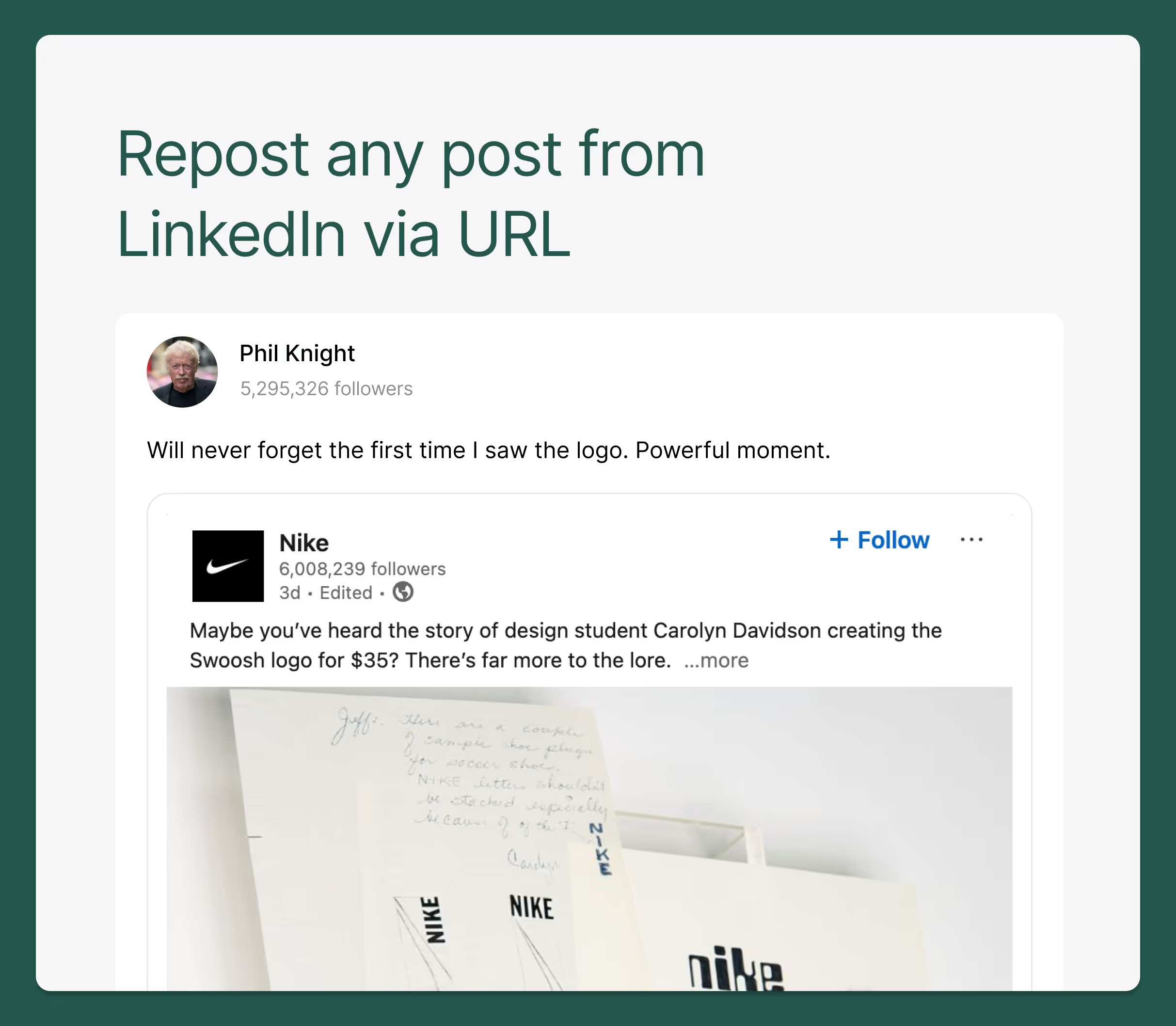
Repost any LinkedIn Post
You can now repost any LinkedIn post (even from other accounts that aren't your own) through Ordinal.
Simply click the Repost icon (in the formatting bar within any Ordinal LinkedIn post) and add in the URL of the LinkedIn post you're looking to repost.
LinkedIn Polls
You can now schedule and post LinkedIn Polls from directly within Ordinal. Just click the "Polls" icon within a LinkedIn Post in order to add a new LinkedIn Poll.

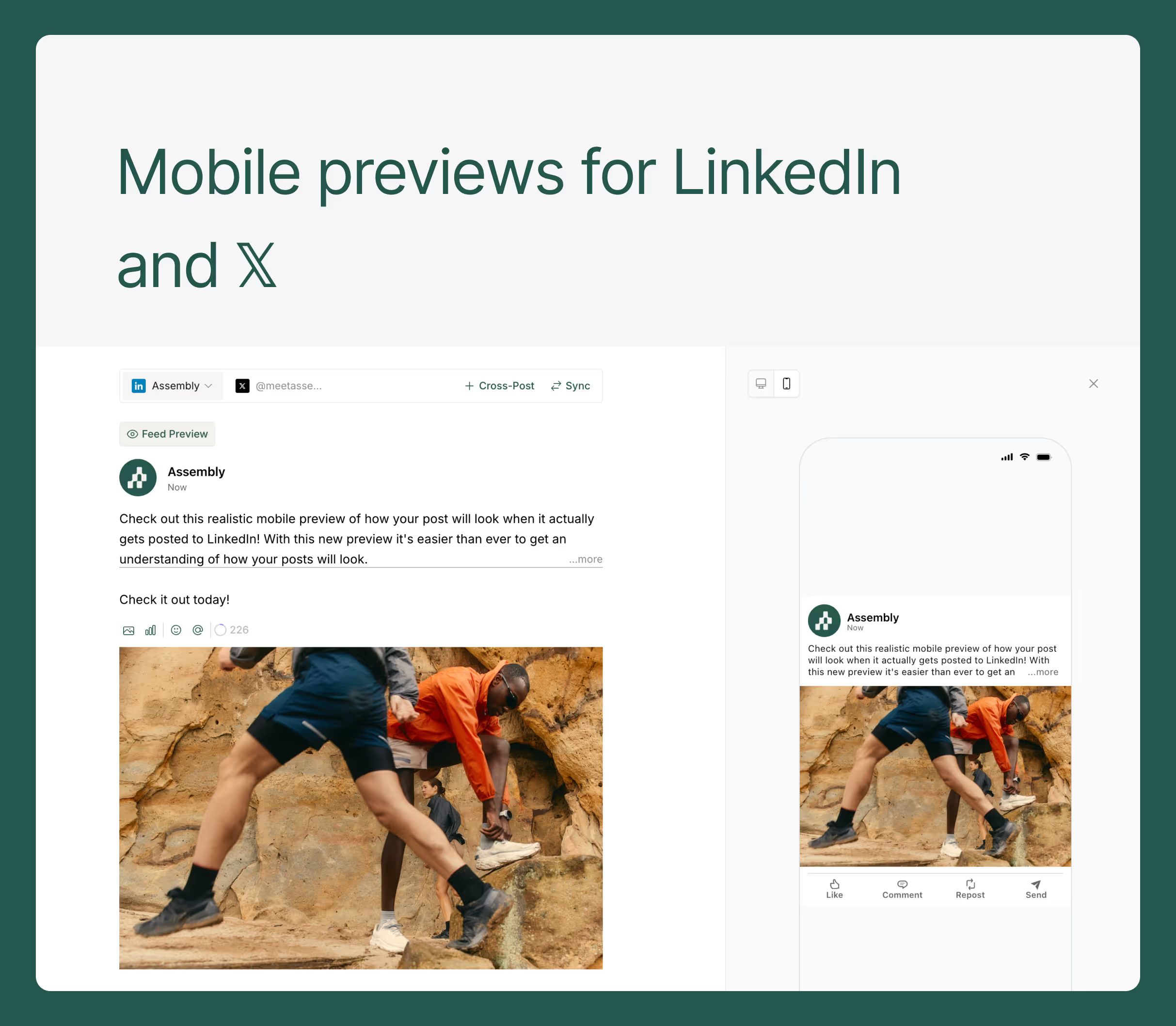
Mobile Previews for LinkedIn & X
On both LinkedIn and X, you can now see a realistic social preview of not only the desktop post, but also on mobile.
Just click the "Feed Preview" icon on each post, and toggle to the mobile preview view.
Revamped Post Page
We've completed a major overhaul of the post page within Ordinal that combines the drafting experience and preview into one, simplifying your Ordinal drafting experience. Let us know any questions or feedback here!

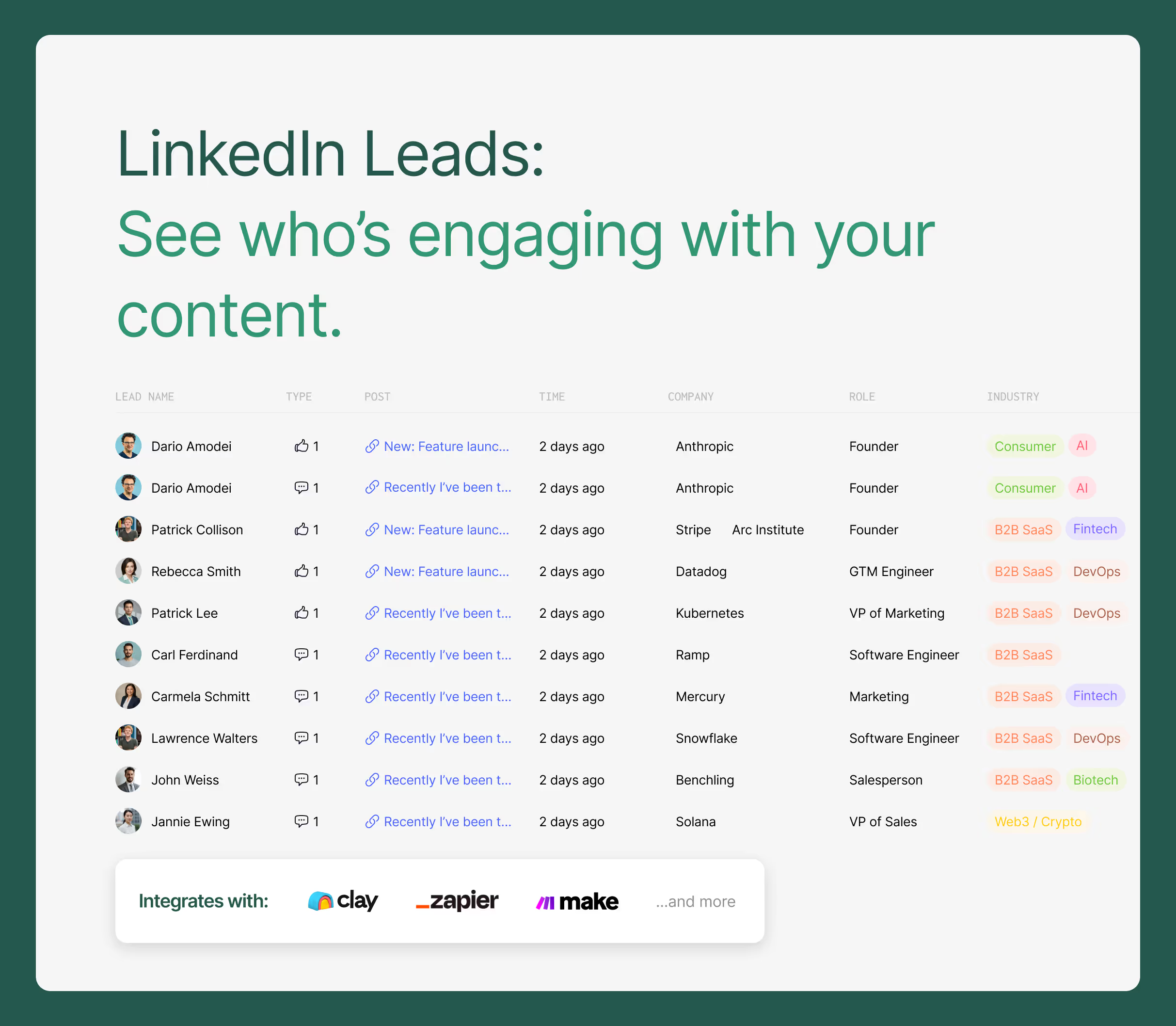
Pull LinkedIn Leads from Ordinal
We've launched the ability to view a list of every user that's interacted with your content.
- See warm leads from your ICP that are interacting with your content
- View aggregated interaction data by user, interaction, or by company
- Push to external tools like Clay for enrichment
With Ordinal, you can now start connecting your content to actual ROI. Email us if you're interested in enabling this feature for your workspace.
Complete analytics for LinkedIn personal profiles
We're excited to launch automated LinkedIn analytics for personal profiles (including impressions).
Every day, any LinkedIn profile attached to Ordinal will automatically update with post data on:
- Followers
- Likes
- Comments
- Shares
- Impressions
- Engagement %
No need for bookmarklets or chrome extensions - all this data syncs automatically into Ordinal with no action required from the user.
Note: if you are an existing Ordinal customer, you'll need to re-connect your LinkedIn profile in order to access this data. You can do so from the social profiles page here.
